
Learn · Tools · Open hardware
Learn PCB design by doing. Check your work with free tools.
ES7 builds interactive PCB lessons, practical engineering tools and open hardware projects, and shares the work in public.
Lab · Annular ring
ring = (pad − drill) ÷ 2
Annular ring
Tight0.150 mm 5.9 mil
Passes, but drill wander could still nick the pad. Add margin if you can.
A working lab. Drag the sliders.
Learn
Learn PCB design by doing
Interactive lessons and labs where you change a value and see what it does to the board.
Explore LearnTools
Check your work
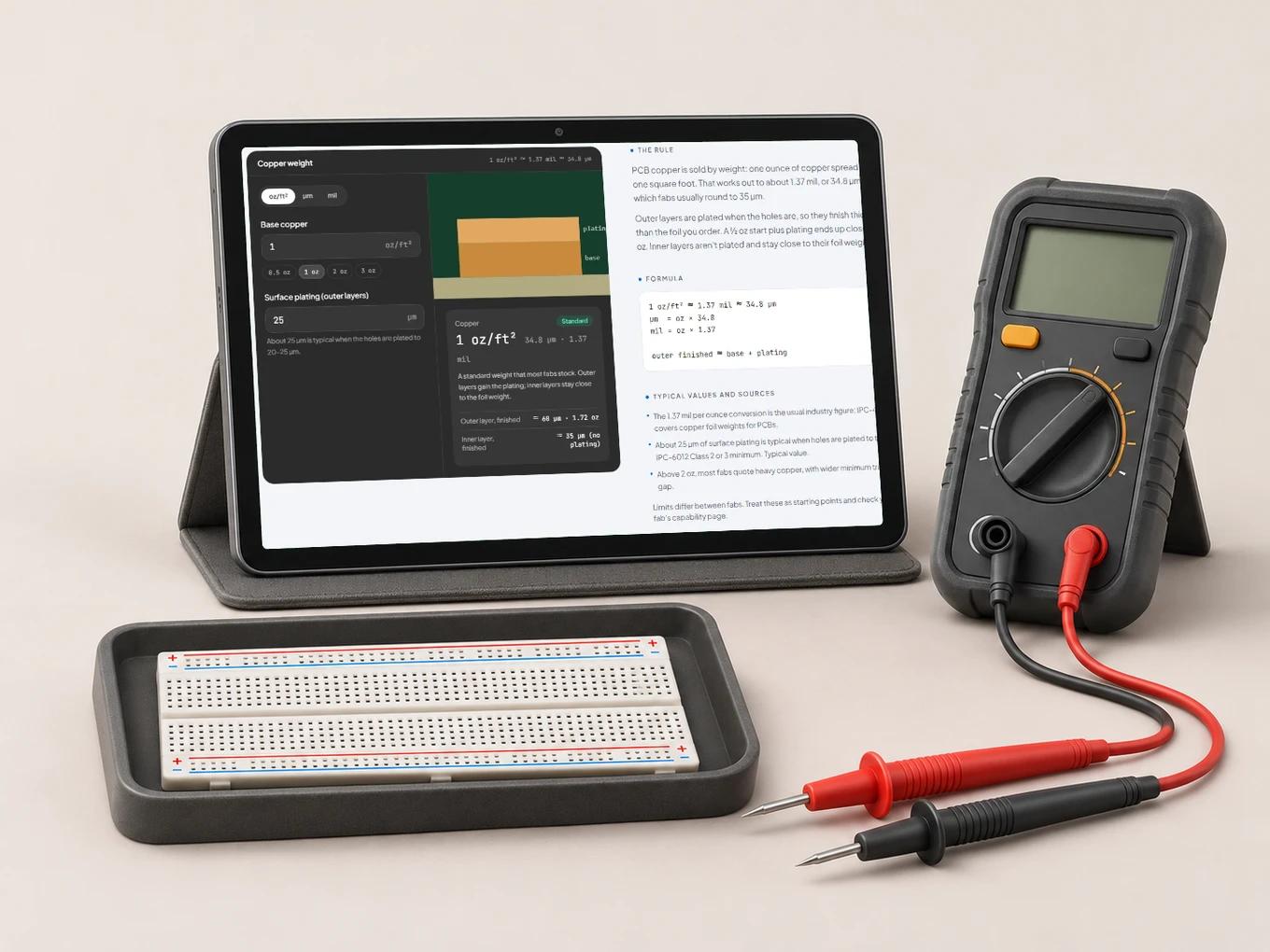
Free calculators for the checks engineers repeat every week, each shown with its formula.
Explore ToolsProjects
Build the board
Open hardware projects published with schematic, PCB, BOM, firmware and bring-up notes.
Explore Projects
Products
What you can use today, and what is next.
Each product is labeled with how ready it is, from live to still planned.
How it fits together
Learn it, check it, build it.
- 01
Learn the concept
Work through a lab: drag the drill size and watch the annular ring shrink until it fails.
- 02
Check it with a tool
Run the same rule on your own numbers with an ES7 calculator.
- 03
Build the project
Apply it on an open project you can build and modify.
Project #1
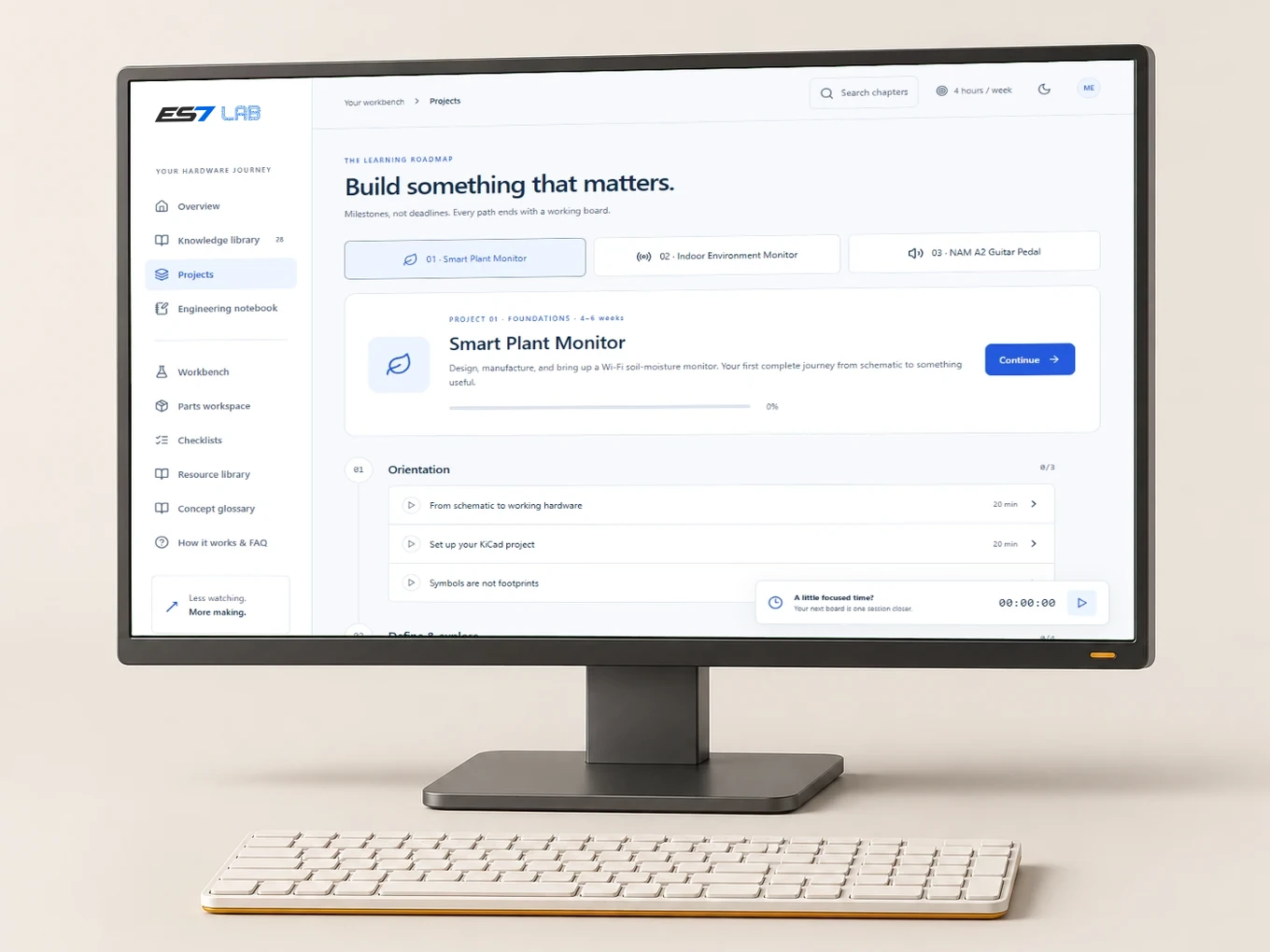
In progressSmart Plant Monitor
A Wi-Fi soil-moisture monitor and its firmware. It is the first ES7 project, and the board you design in the first Learn path.
Will be published with:
- Schematic
- PCB layout and Gerbers
- Bill of materials
- Firmware
- Bring-up notes and checkpoints
What is ES7?
An engineering studio that teaches PCB design through interactive lessons, builds practical tools for engineers, and publishes open hardware projects.
Is it free?
The lessons, calculators and open projects are free. Some professional tools may become paid later, and we will say so clearly when they do.
Who is it for?
Students and makers learning PCB design, and working engineers who want a quick check, with the formula shown, before sending a board out.
Do I need an account?
Not for the site or the calculators. ES7 Lab needs a free account, which saves your progress so it follows you between devices.
Is what I type into the calculators sent anywhere?
No. The calculators run in your browser, and nothing you type into them is sent to us.
Can I use the open projects in my own work?
Yes, once they are published. The Smart Plant Monitor is still in progress. Its source files will come with a license that says how you can use them.
Start with one lab. It takes two minutes.
Free, in your browser, nothing to install.